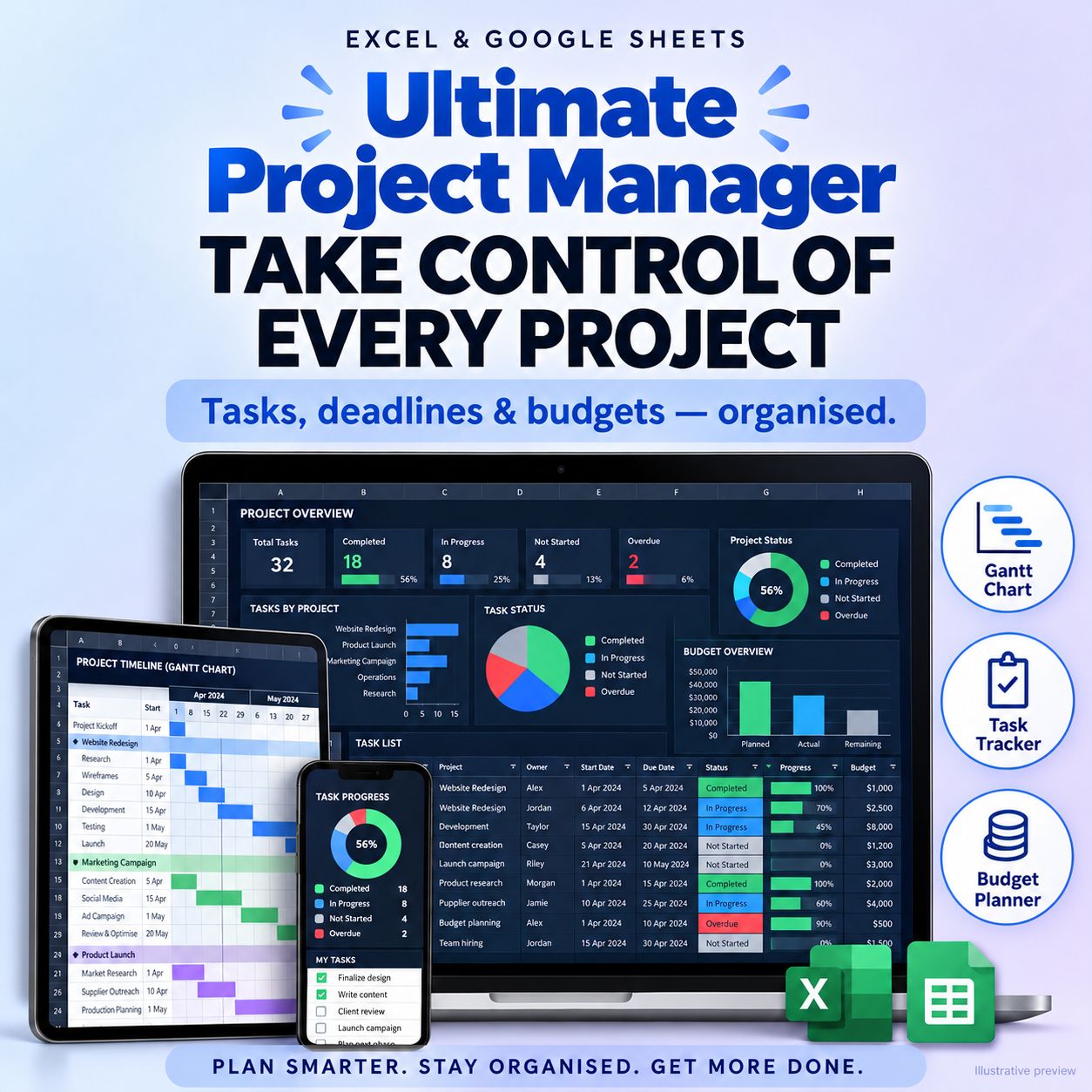
🚀 ALL-IN-ONE PROJECT MANAGER
Plan smarter. Stay organised. Get more done.
Too many tasks, overlapping deadlines and project expenses to keep track of? Bring everything together with one practical planner for Microsoft Excel and Google Sheets.
Whether you’re a business owner, freelancer, project manager or team leader, organise your work with a clearer view of what needs to happen, who’s responsible and what comes next. 🎯
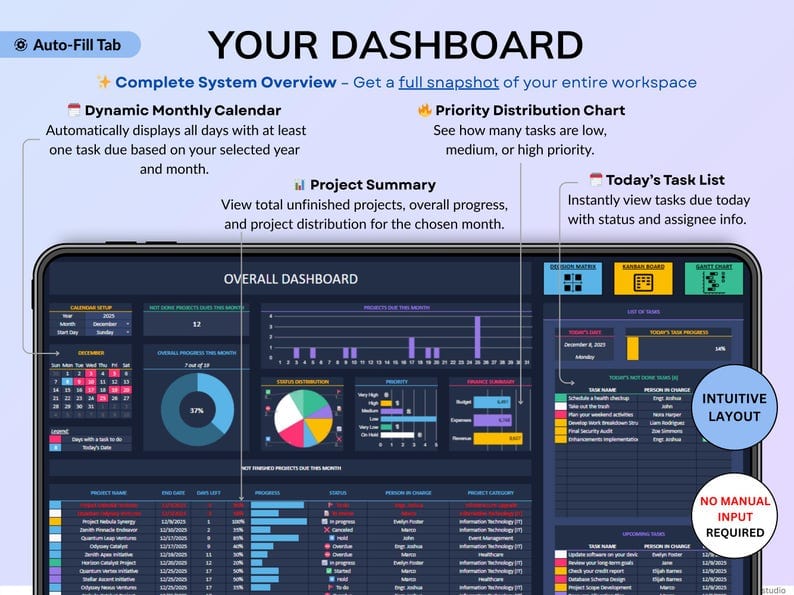
📊 SEE YOUR PROGRESS AT A GLANCE
Use the project dashboard to review progress and spot tasks that need attention. Spend less time searching through scattered notes and more time getting things done.
✅ TURN BIG PROJECTS INTO CLEAR ACTIONS
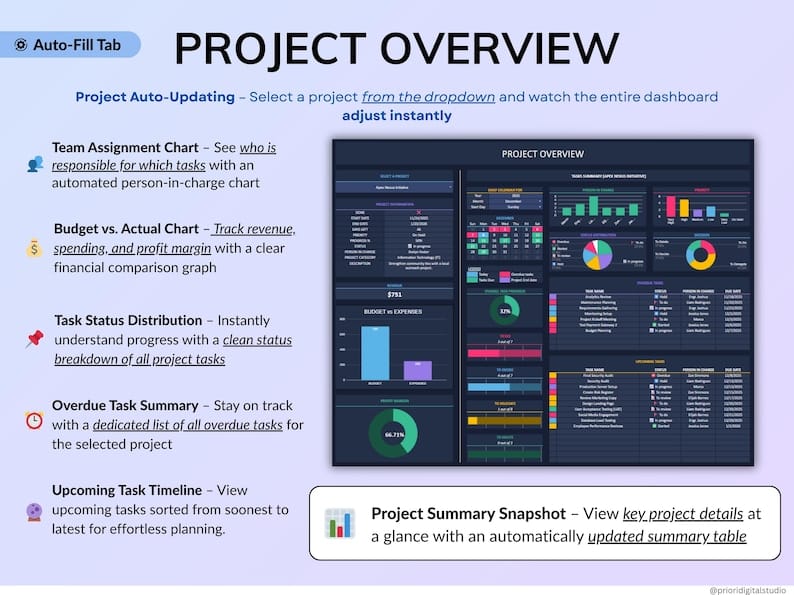
Break projects into manageable tasks, assign responsibilities and track one-time or recurring activities. From client work to business launches, give every task a place in your plan.
📅 STAY AHEAD OF DEADLINES
Map out your schedule with the Gantt chart, then use weekly and monthly views to organise upcoming work. See busy periods coming and prepare in advance.
📌 VISUALISE YOUR WORK WITH KANBAN
Follow tasks as they move from planned to in progress and completed. Quickly see what’s moving forward and what needs a follow-up.
💰 KEEP YOUR BUDGET UNDER CONTROL
Record project costs and compare planned spending with actual expenses. Make budget decisions with your figures organised in one place.
🎯 FOCUS ON WHAT MATTERS
Use the decision matrix to prioritise tasks and decide where to put your time and effort.
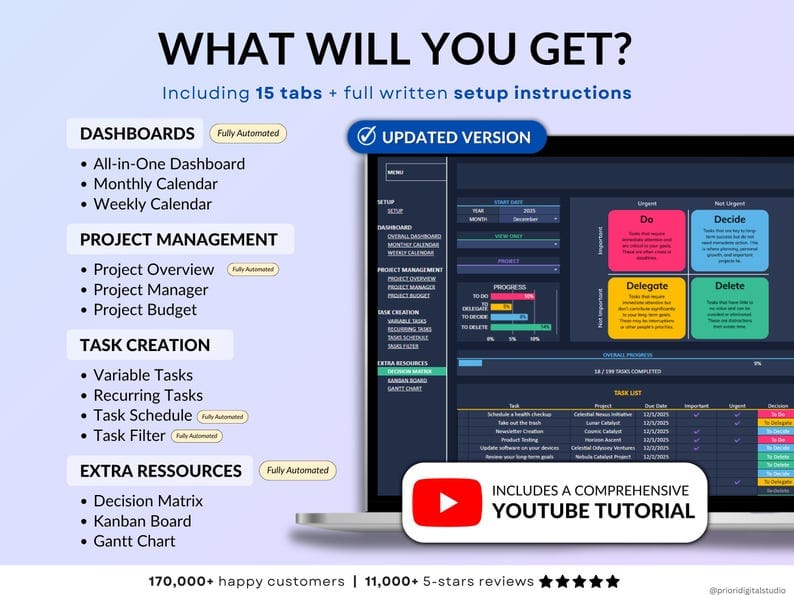
📦 WHAT’S INCLUDED?
✔️ Excel and Google Sheets versions
✔️ Light and dark layouts
✔️ Project dashboard
✔️ Project and task management tools
✔️ One-time and recurring task tracking
✔️ Weekly and monthly planning views
✔️ Kanban board
✔️ Gantt chart
✔️ Project budget tracker
✔️ Decision matrix
✔️ Setup instructions and video tutorial
💼 MADE FOR YOUR EVERYDAY PROJECTS
Organise client deliveries, marketing campaigns, events, business activities and team assignments—all with a structured plan you can follow.
💻 BEFORE YOU ORDER
• Digital product: no physical item will be shipped.
• Language: English.
• Computer recommended, especially for setup.
• Excel version: developed for Microsoft 365; older versions may have limited functionality.
• Google Sheets version: requires a Google account.
• Blank templates: add your own projects, tasks and figures to get started.
✨ Give every task a clear next step—and every project a stronger plan.
🛒 Get your Project & Task Planner today and start organising your next project with confidence!